
Systems & Processes










I love digital systems. Anything that can keep me organized in a clean, quick way is necessary in my productivity book. This is one of the main reasons I use Trello as my blogging editorial calendar among other things. There are so many great features that Trello has (you can read about them all here), but one thing that many people don’t know is you can use Trello like a regular scheduling calendar. I’m going to discuss how you can use this feature and the advantages of it over something like Google Calendar.




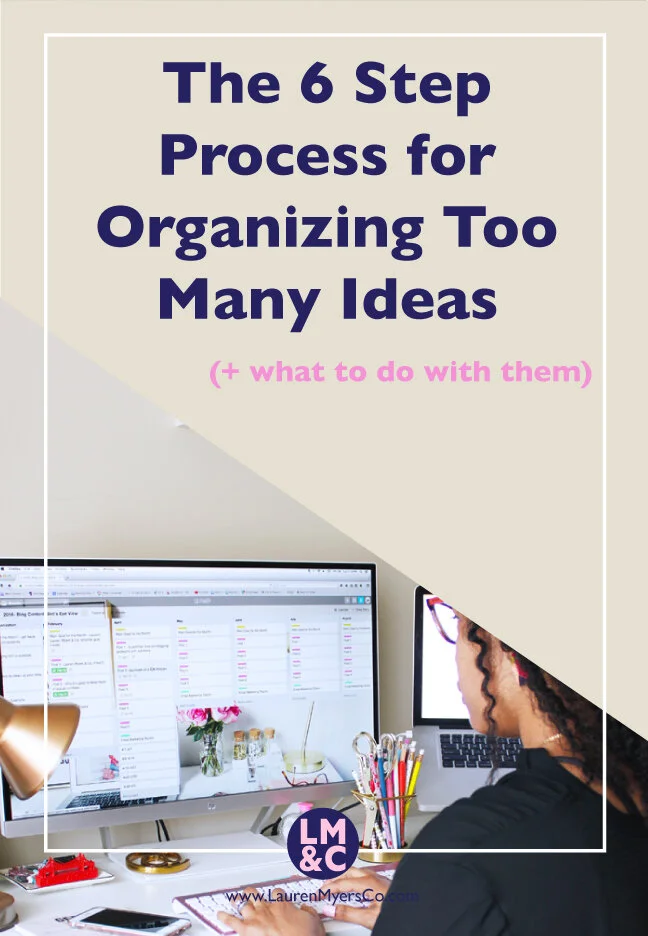
The next installment for blog organization this month is organizing your ideas. Has this ever happened to you? It’s 3AM and you’re in the middle of getting some good sleep. Suddenly you wake up and have an awesome idea for a blog post. You have no paper or pen next to the bed and you don’t want to save the idea to your phone because it will just get lost in the shuffle of your other notes. You end up falling back asleep but never wrote the idea down, then the next day when you try to remember it...no such luck.
Getting a great idea at the most inopportune time is a pretty common thing. It’s not enough to just jot it down on paper (papers get lost with the other papers of ideas that you’ve already written and have scattered around the house), you need to keep your thoughts organized in the quickest way possible. Today I will be discussing a way to keep track of those middle of the night thoughts and random blog post ideas and even keep them all organized together quickly.

To continue with the theme of blog cleanup, now that you know what your purpose of blogging is (check out that post here if you missed it), it’s time to do some physical cleanup.
Tell me if you can relate to this:
You get a great idea for a blog post and start creating it. You get to a good stopping point and save the draft. Your intention was to come back to finish up (maybe you need to take photos for the post, maybe you need to do more research on the subject matter, maybe you need to think of more content to add to the post, etc.). Days go by. Weeks go by. Months go by. You’ve been publishing blog posts this whole time, but your drafts continue to pile up. Now when you look in your blog backend, you have so many drafts that you just get overwhelmed thinking of what you are going to do with them! I’ve totally been there. I probably still have drafts sitting in my old blogging account right now that are halfway complete. The thing is, the content in your drafts may be awesome and could be helpful to someone...you just have to get it out there! Today I will be discussing 10 ways to repurpose your blog drafts so that you can clean up the backend of your blog.


A social media bio is incredibly important. It’s a snapshot of who you are (your name/handle), what you do (your bio) and where people can find out more about you (your URL). The problem is, when you have various aspects to your brand, driving traffic to your home page may not yield the best results (i.e. sales or email subscribers). You only have the option to include one link on your social profiles (and you can't add links in descriptions on Instagram), so you should maximize that link as much as you can. Today I will be discussing two ways to maximize the URL on your social media bio’s in Squarespace by creating dedicated social media landing pages.

Email Marketing is a huge deal right now. You may have been hearing about growing your list and different strategies to do it, but let's take a step back for a moment and talk about HOW people are actually opting in. Obviously there is some type of form to fill in, but where is the form located? How does it look? Most importantly, are visitors directed away from your site to fill in their forms? I really hope not, because you are setting yourself up for lots of missed potential subscribers if so! It’s a proven fact that sign up interest decreases with each step that is added to the process (humans like convenience!). It's also known that readers are 30% more likely to opt-in when they can do it with a simple click and fill process (AKA two-step opt-in process). Ultimately you want to encourage visitors to sign up and make it as easy as possible.
You may have heard of Leadpages, a lead generating website that offers many types of opt-in forms to incorporate on your site. Unfortunately they don't have a free plan...or a cheap one at that (the standard plan ranges from $17-$37 a month depending on if you pay monthly, yearly or every two years). Fortunately after exploring Squarespace one day, I found out how to make a "Leadbox" type of opt-in form, which is a very popular option in Leadpages. Today I will be discussing how to use Squarespace’s built in features to set up 3 types of opt-in forms that will not direct readers away from your site. If you would like Leadpages functionality in a Squarespace environment or if you want to know how to set up some higher converting opt-in forms, read on!
